


Get Connected. Be Motivated. Stay on Track.
Download the latest version of the YMCA of San Diego County app today.
Staying active and connected at the Y just got easier. Our updated mobile app puts everything you need right in your pocket — so you can spend less time searching and more time showing up, having fun and reaching your goals.
with the app you can
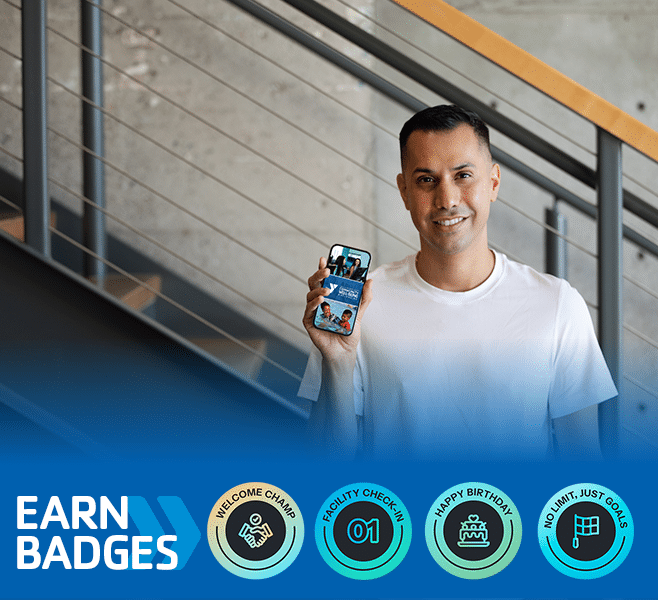
- New: Earn achievement badges
- New: Join fitness & wellness challenges
- New: Secure Face ID login
- Scan & Go — use the app as your digital membership card
- Check facility hours and group fitness schedules
- Reserve group fitness classes and receive schedule updates
- Reserve Child Watch services
HOW TO GET THE APP & LOGIN
- Open the App Store or Google Play Store.
- Search for “YMCA of San Diego County”.
- Download the app.
- Log in using the same email address for the app that you do for all Y communications. If this is your first time logging in, select “forgot password.”
- Check your email for the password setup instructions.
- Enter the PIN provided in the email and create your new password.
- Enable Face ID/Touch ID when prompted (optional but recommended)
ALREADY HAVE THE YMCA APP?
GET THE LATEST VERSION
If you have automatic updates turned on, no action is needed — your app will update automatically to the latest version.
If you do not have automatic updates enabled:
- Open the App Store or Google Play.
- Search for “YMCA of San Diego County.”
- Download the latest version of the app.
- Log in with your existing username and password.
- Enable Face ID or Touch ID when prompted (optional but recommended).
That’s it! Your account, reservations and history will all be there automatically.
HOW TO RESERVE CHILD WATCH
Community Plus family members may reserve Child Watch service. View this tutorial that will show you how to find your membership ID, (required to make a reservation).
DOWNLOAD THE APP HERE